Share the portal link
Send each customer their order portal link.
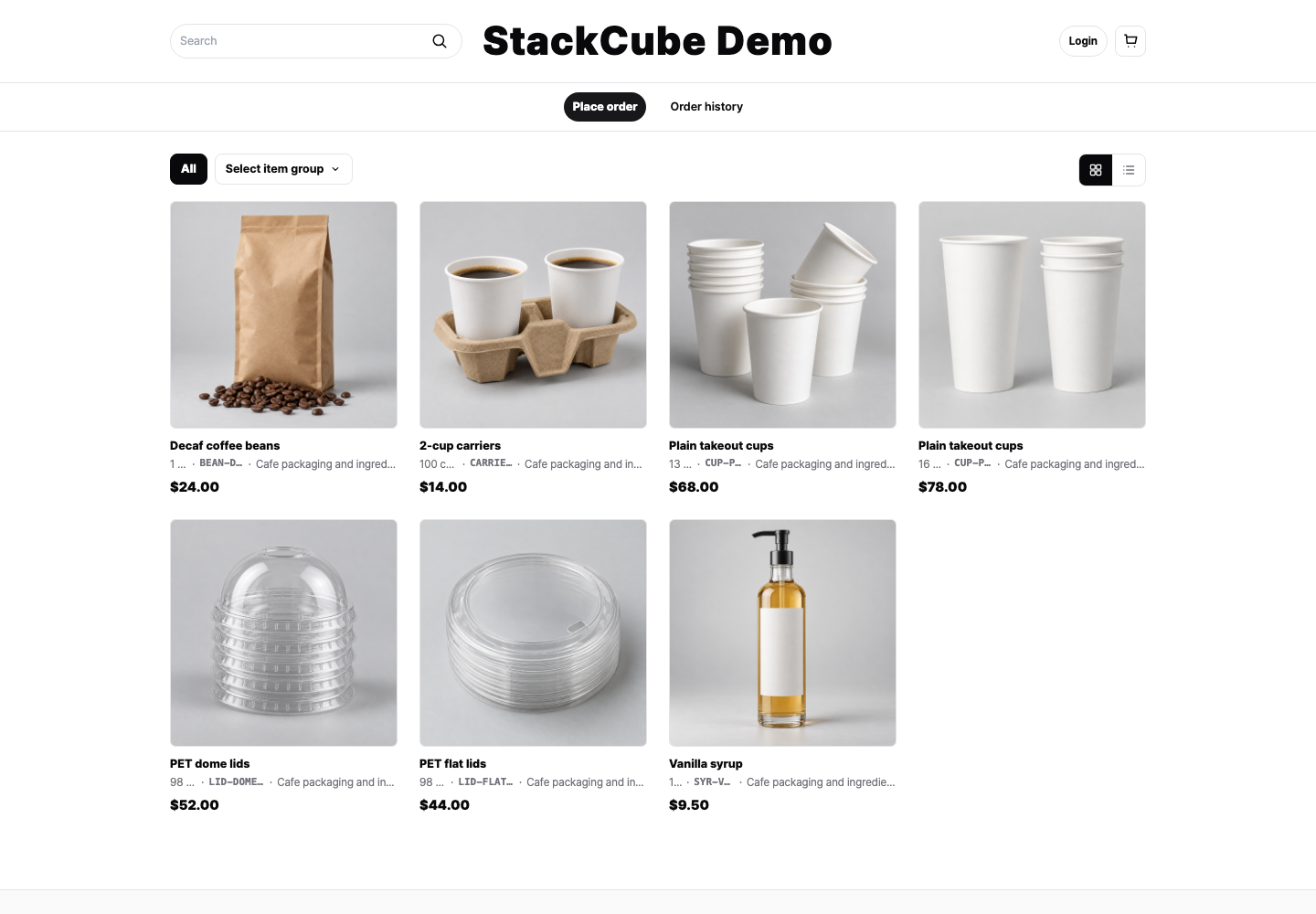
For repeat buyers, StackCube provides an order portal where customers choose items and submit orders directly into your review queue.
Browse the customer ordering screen without applying. To explore the organization’s order management workspace, request the admin demo.
Have complex customer or pricing rules? Book a consultation
Customer-submitted portal orders flow into the same internal approval process.
Read the setup guide → · Card payment setup · Customer instructions
Send each customer their order portal link.
Customers log in and add items to the cart.
Customers confirm quantities and request notes.
Your team approves the portal order from the order list.
Customers select commonly ordered items themselves.
Orders use registered items and options.
Show the right items and pricing basis for each customer.
Organizations in Korea using KRW can accept card payments through Danal. Set each customer to pay by card or order without online payment. Your team still approves the order after payment.
Organizations in Korea using KRW can accept card payments through Danal. Choose card payment or ordering without online payment for each customer. Payment and order approval are separate.
Explore the order portal opens the customer catalog and ordering screen without an application. Request the admin demo to explore order intake, review, and approval in a sample organization.
Use a prepared trial workspace to review email, chat, and portal order flows.