Keep the original
Store the message, email body, order file, and intake channel with the order record.
Review chat, email, spreadsheet, and PDF originals beside AI-prepared candidates. Confirm SKUs, quantities, prices, and duplicates, then move only approved orders into downstream work.
Have complex operating rules? Book a consultation
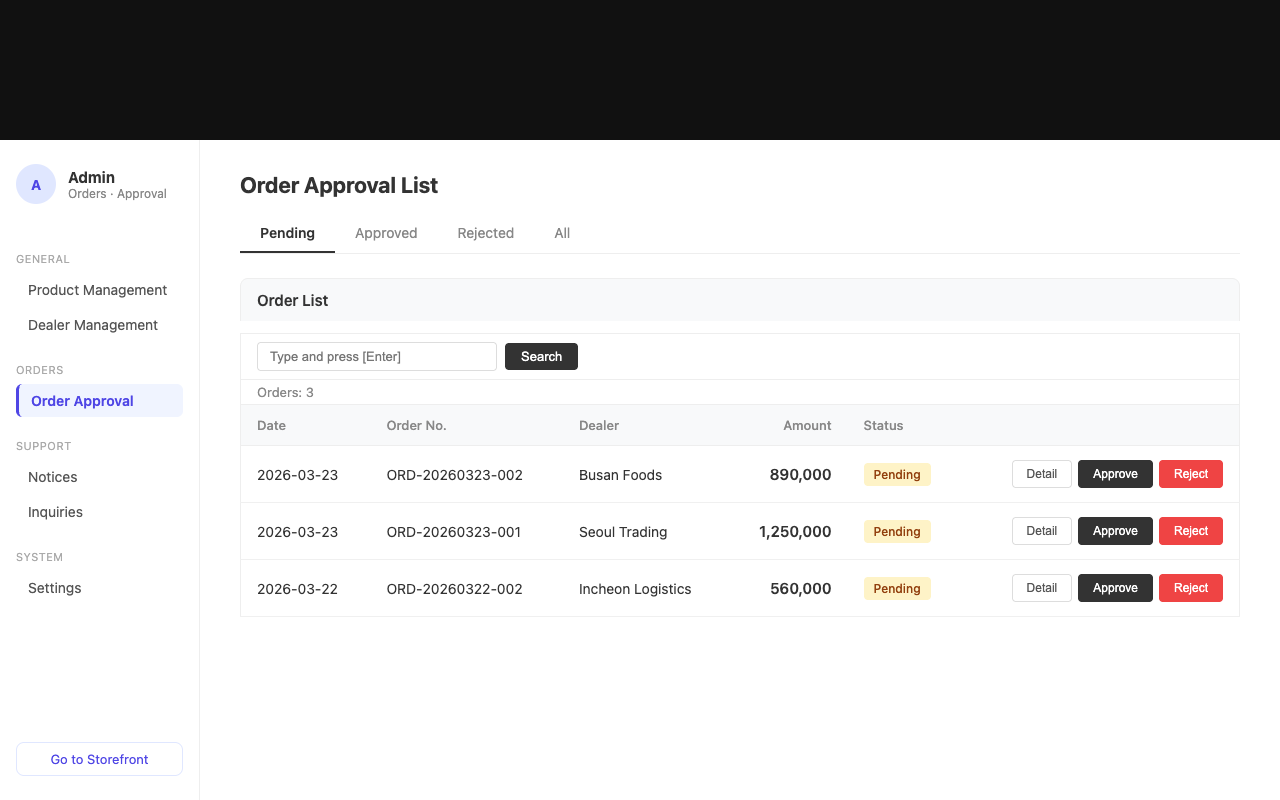
AI organizes the evidence and exceptions; your team keeps the business decision.
Store the message, email body, order file, and intake channel with the order record.
Review extracted items, quantities, requests, SKUs, customers, and price candidates beside the source.
Separate unmatched items, price exceptions, missing details, and likely duplicate submissions.
Approve confirmed orders, assign judgment calls, or hold and reject orders that are not ready.
Handle individual decisions and selected-order operations from the same queue.
Connect a repeated message to the existing order number so the team can avoid duplicate fulfillment.
Assign selected orders to an operator and continue within assigned-order access scope.
Update the owner, processing state, and operating fields across selected orders.
Reuse approved data for statements, CSV or XLSX shipping files, and supported ERP transfers.
Different intake channels still follow one review and approval record.
No. AI prepares candidates and exceptions while your operator decides whether to approve, hold, or reject the order.
A repeated message or intake request is connected to the existing order as a likely duplicate. The operator reviews the source and order number before deciding.
Yes. Selected orders can be assigned in bulk, and access policies can limit an operator to assigned orders.
Customer statements and supported ERP transfers use approved orders so unconfirmed candidates stay out of downstream work.
Use sample orders to test source comparison, AI candidates, approval, and downstream handoff.